
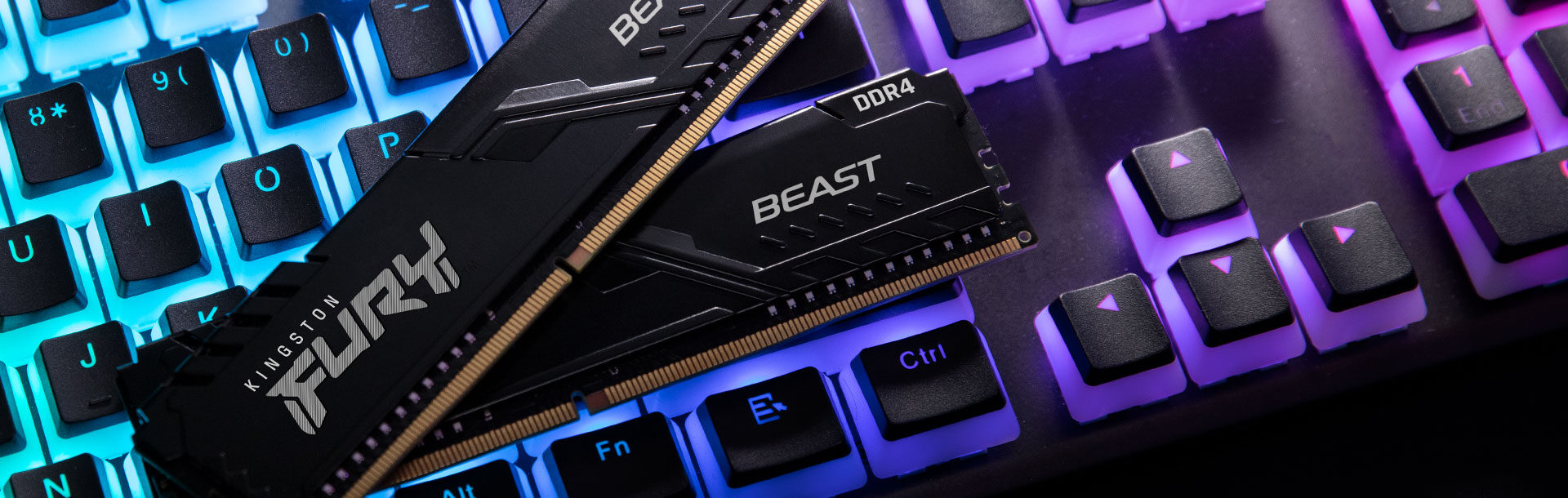
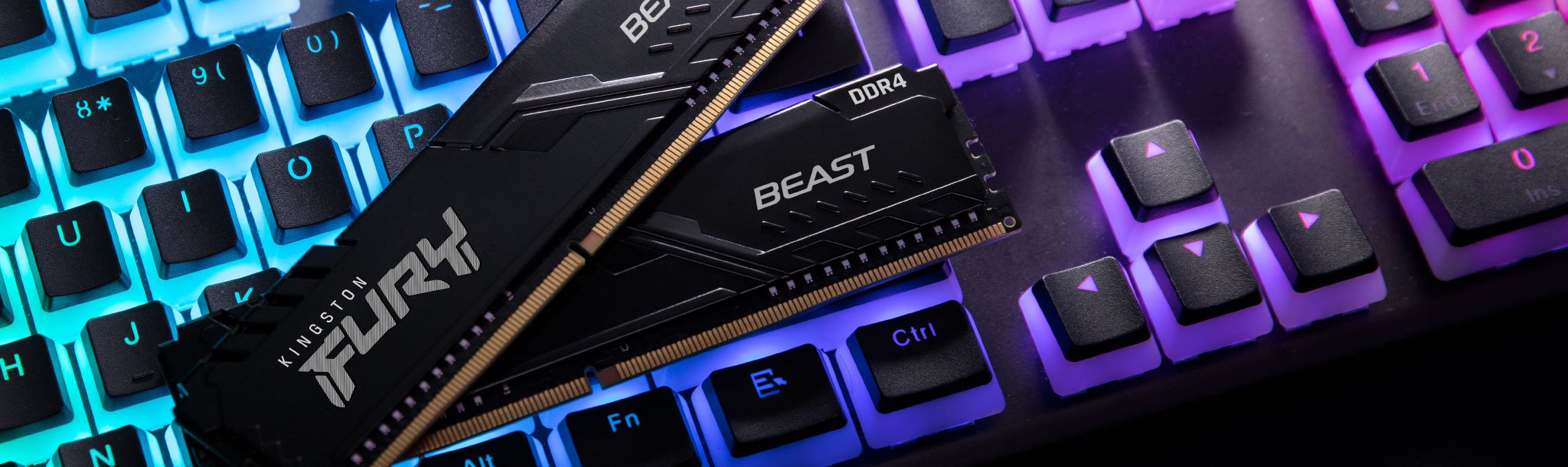
RAM is one of the most misunderstood parts of any computer build. Walk into a conversation about it and you will hear DDR4, DDR5, SO-DIMM, ECC, dual-channel, with no explanation of what any of it actually means. This guide cuts through that.
Whether you are upgrading a gaming desktop, buying a new laptop, or speccing out a small server, here is what you need to know.
What RAM actually does
RAM (Random Access Memory) is your computer’s short-term memory. It holds the data your processor is actively working with: open applications, game assets, browser tabs, background processes. More RAM means more things can run at once without the system reaching for the much slower storage drive to compensate.
For most users, RAM capacity matters more than speed. But the type of RAM determines what is even compatible with your system.
The DDR generations: DDR4 vs DDR5
DDR stands for Double Data Rate. The number after it is the generation. You cannot mix generations. DDR4 and DDR5 use different physical slots and run at different voltages.
DDR4
DDR4 launched in 2014 and remained the mainstream standard for nearly a decade. It runs at voltages between 1.0V and 1.35V and comes in speeds ranging from 2133MHz up to 5000MHz with overclocking. It is still the most common type in systems built before 2022 to 2023, and it is mature, meaning cheaper, widely available, and well understood.
When DDR4 makes sense: If your motherboard supports DDR4 (Intel 10th/11th Gen, AMD Ryzen 3000/5000 series), there is no benefit to chasing DDR5 unless you are rebuilding the whole platform. The performance difference in gaming is marginal, often under 5%.
DDR5
DDR5 arrived in late 2021 with Intel’s 12th Gen Alder Lake and became the default for AMD’s Ryzen 7000 series in 2022. It runs at 1.1V base voltage and starts at 4800MHz, with high-end kits reaching 8000MHz and beyond.
The real advantages of DDR5 are higher peak bandwidth, lower base voltage (better power efficiency), and on-die ECC built into every module. At high speeds, DDR5 shows a meaningful lead in content creation and data-heavy workloads. In gaming the gap is narrower but growing as titles become more memory-bandwidth sensitive.
When DDR5 makes sense: Any new build on a current-generation platform. Intel 12th Gen and later, AMD Ryzen 7000 series and Zen 5 all support DDR5, and prices have dropped to near-parity with DDR4 in most capacities.
Staff picks
-
Kingston 16GB DDR4 2666MHz ECC Registered Server Memory (KSM26RS8/16HCR)
£209.99 -
Kingston 16GB DDR4 2666MHz ECC Registered Server Memory (Micron)
£209.99 -
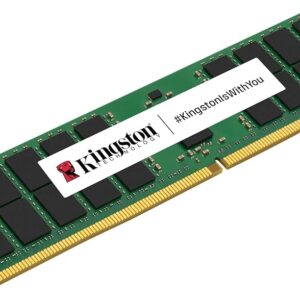
Kingston 16GB DDR4 2666MHz ECC Unbuffered Server Memory Module
£185.99 -
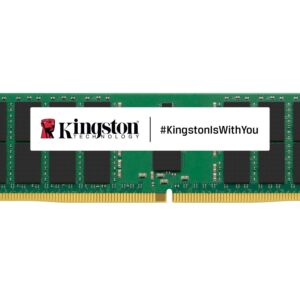
Kingston 16GB DDR4 3200MHz ECC Registered Server Memory (KSM32RD8/16HE)
£263.99
Form factors: DIMM vs SO-DIMM
The speed and generation tell you the performance characteristics. The form factor tells you the physical shape, and shape determines what fits in your machine.
DIMM (Dual Inline Memory Module)
Full-size DIMMs are used in desktop PCs and workstations. They are larger, typically 133.35mm long, and give manufacturers room to add heatspreaders, RGB lighting, and dense chip configurations. If you are building or upgrading a desktop, you want DIMMs.
SO-DIMM (Small Outline DIMM)
SO-DIMMs are the laptop version, roughly half the length of a standard DIMM at 67.6mm. They carry the same DDR generation markings but are physically incompatible with desktop slots. Many compact desktops and NUC-style machines also use SO-DIMMs.
If you are upgrading a laptop, check whether the RAM is user-replaceable first. Many modern thin-and-light laptops solder RAM directly to the motherboard, leaving nothing to upgrade.
Server RAM: RDIMM, LRDIMM and ECC
Consumer desktops and laptops use unbuffered non-ECC RAM. Servers use different variants designed for reliability and higher capacity rather than raw speed.
ECC (Error-Correcting Code) RAM
ECC RAM has additional chips on each module that detect and automatically correct single-bit memory errors. A random bit flip might be a theoretical concern on a gaming rig, but on a server running critical workloads around the clock it is a real risk. ECC prevents those silent data corruptions.
ECC is not exclusive to servers. AMD’s Ryzen Pro and EPYC processors support it. Some Ryzen consumer chips unofficially tolerate it. Intel’s Xeon line requires it for workstation builds. Non-ECC RAM will not work in a motherboard that requires ECC, and vice versa.
RDIMM (Registered DIMM)
RDIMMs add a register chip between the RAM chips and the memory controller. This reduces the electrical load on the controller, which is how servers can support 16 or more DIMM slots without signal integrity problems. Standard desktop motherboards with two or four slots do not need this.
LRDIMM (Load-Reduced DIMM)
LRDIMMs go further, using a buffer chip to isolate the memory controller from all the DRAM chips. This allows servers to use very high-density modules, 64GB or 128GB per stick, at the cost of slightly higher latency. LRDIMMs are for datacentre-scale builds.
Dual channel and why it matters
Most desktop and laptop platforms support dual-channel memory, where two sticks of RAM work in parallel to roughly double the available memory bandwidth. Two 16GB sticks will measurably outperform a single 32GB stick, particularly in integrated graphics scenarios and in games sensitive to memory bandwidth.
Always install RAM in matched pairs, in the slots your motherboard manual specifies. Usually that is slots 2 and 4, not 1 and 2.
How much RAM do you actually need?
- 8GB — Functional but limiting in 2026. Web browsers alone consume 2 to 4GB. Fine for light office work, uncomfortable for gaming.
- 16GB — The practical sweet spot for gaming and everyday use. Handles modern AAA titles, multiple browser tabs, and background apps without issue.
- 32GB — Recommended if you run creative software alongside gaming: video editing, 3D rendering, large Photoshop files. Future-proof for the next few years.
- 64GB and above — Workstation and server territory. Professional content creation, virtual machines, scientific computing.
What to check before you buy
- Your motherboard’s supported generation: DDR4 or DDR5, not both
- The maximum supported speed — your board’s QVL (Qualified Vendor List) shows tested kits
- The number of slots — a two-slot laptop with both occupied means replacing, not adding
- Physical clearance — tall heatspreaders can conflict with large CPU coolers in tight cases
- Whether the RAM is soldered — check your laptop’s spec sheet before buying anything
Quick reference
| Type | Use Case | Notes |
| DDR4 DIMM | Desktop (pre-2022 platform) | Mature, affordable, still capable |
| DDR5 DIMM | Desktop (current gen) | Higher bandwidth, lower voltage |
| DDR4 SO-DIMM | Laptop / compact desktop | Check if user-upgradeable first |
| DDR5 SO-DIMM | Modern laptop / mini PC | Growing availability |
| ECC UDIMM | Entry workstation / Ryzen Pro | Error correction, no buffer |
| RDIMM | Server | High slot counts, registered |
| LRDIMM | High-density server | 64GB+ per stick |
Choosing RAM is simpler than it looks once you know your platform. Match the generation to your motherboard, buy in pairs, and do not spend money on speed beyond what your system’s XMP or EXPO profile can actually use.
Browse our range of components and storage. If you are building from scratch, check our desktop PCs and laptops for fully specced systems ready to go.